How to Log In?#
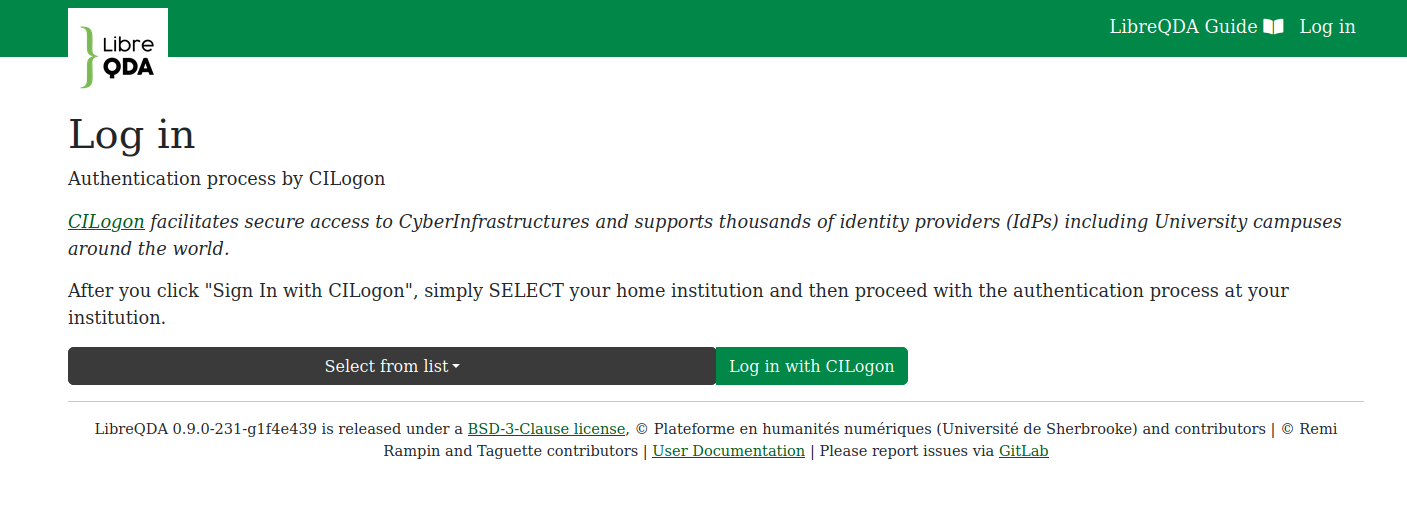
By logging in to libreqda.org, you go through an authentication procedure based on best practices in the protection of digital identities. The CILogon service, which is managed by the National Center for Supercomputing Applications, allows scientific platforms like LibreQDA to implement a validation chain through trusted identity providers. This is based on technologies similar to those used by governmental and banking services.
With an institutional email#
Select your institution from the list and you will be redirected to a login page you already know.
The email addresses provided by many educational institutions and research services, such as ORCID, are supported.
If your institution uses Microsoft#
In some cases, your institution won't be listed and you should select Microsoft instead. This is notably the case for Québec's CEGEPs and private colleges, as well as certain hospital centers. The very first such request will need to be approved by the institution's IT department in order to register LibreQDA as a trusted application.
Without an institutional email#
If you are not a member of an educational institution, select Google from the drop-down menu above.
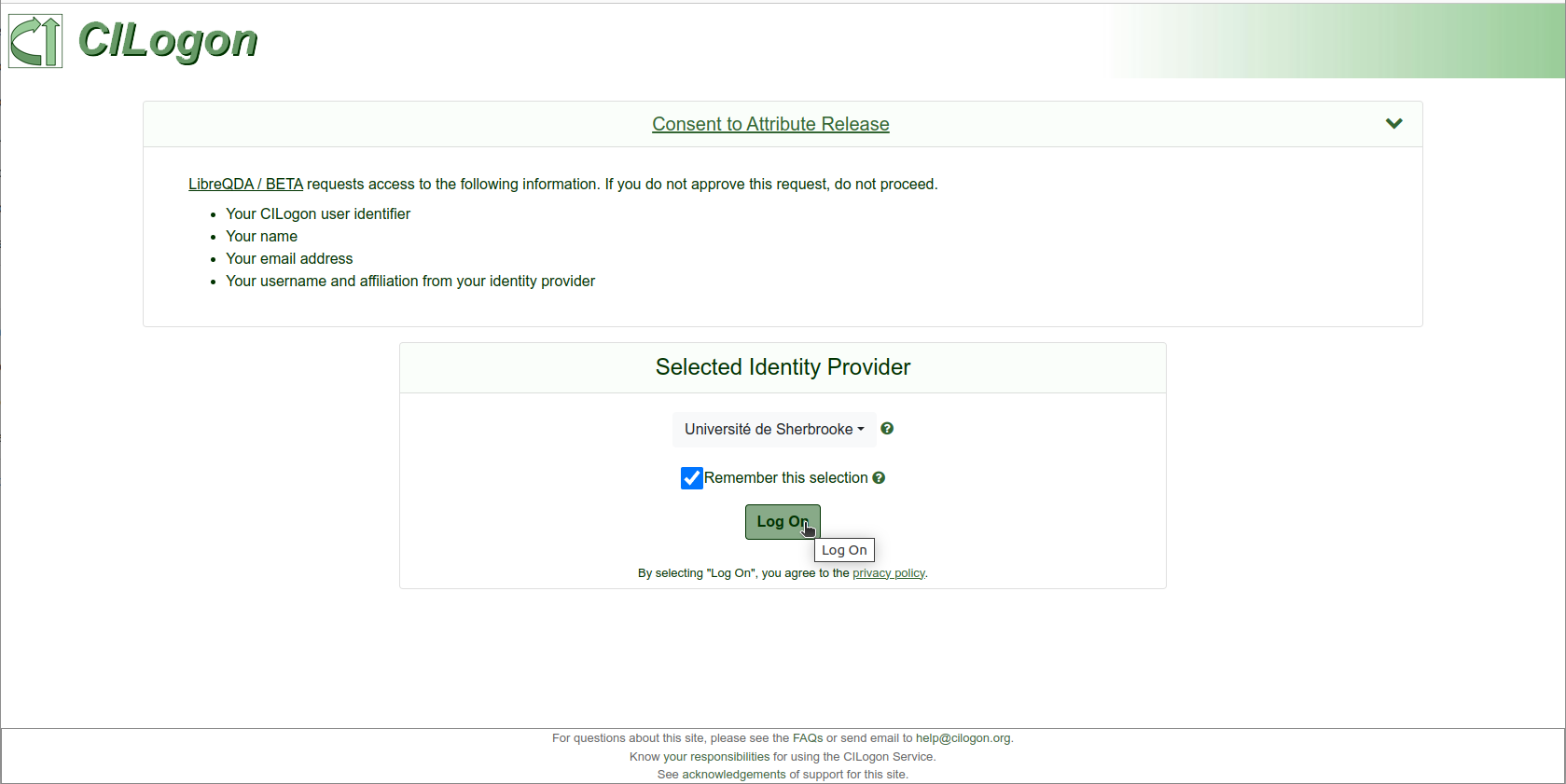
CILogon consent#
The CILogon website requires that you consent to sharing certain information between the authentication partners (name, email address, affiliation, etc.). You may also allow CILogon to remember your identity provider.