How to Manage Your Projects?#
From the home screen, open an existing project, create a new project or import a saved project. Codes imported from a Taguette project that don’t include all of the new functions will have the following default values:
- the color black;
- there will be no hierarchical relationship between codes
When you have a project open, click on the Project icon ( ) in the toolbar to access project management options (see How to Collaborate?).
Tip: On the server version, your data is automatically saved on a regular basis. You may also save your projects manually. To learn more, see How to Export Material?.
Importing Projects#
You can import projects exported from an earlier version of LibreQDA or from Taguette. It is not currently possible to import projects created with the dominant qualitative analysis software, which are typically closed and proprietary.
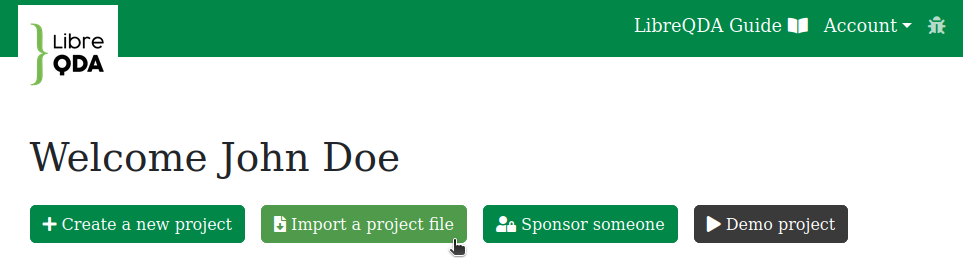
To import projects, click the button Import a project file on your home page:
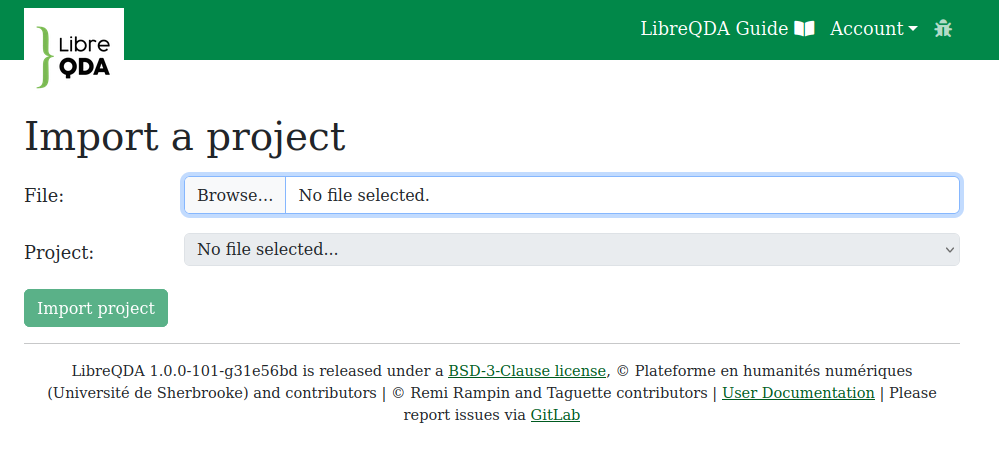
Then, locate the .sqlite3 file on your computer and import the project. The Project drop-down menu will display multiple entries only if your file is a database containing more than one project.
Account Settings#
Language#
The preferences menu offers 9 languages for the interface.
User Name#
You can change the username that was automatically assigned to you by an identity provider (server version only).
